START HERE
Free
$0
For servers starting with one simple request entry.
Add to Discord- 1 request panel
- A private Thread for every request
- Open and close with buttons
- Native Discord buttons and modals
 SubmitFlow
DISCORD REQUESTS, REFINED
SubmitFlow brings suggestions, bugs, helpdesk requests and feedback into private Discord Threads. Less setup, more time to solve.
Free forever · No Administrator permission
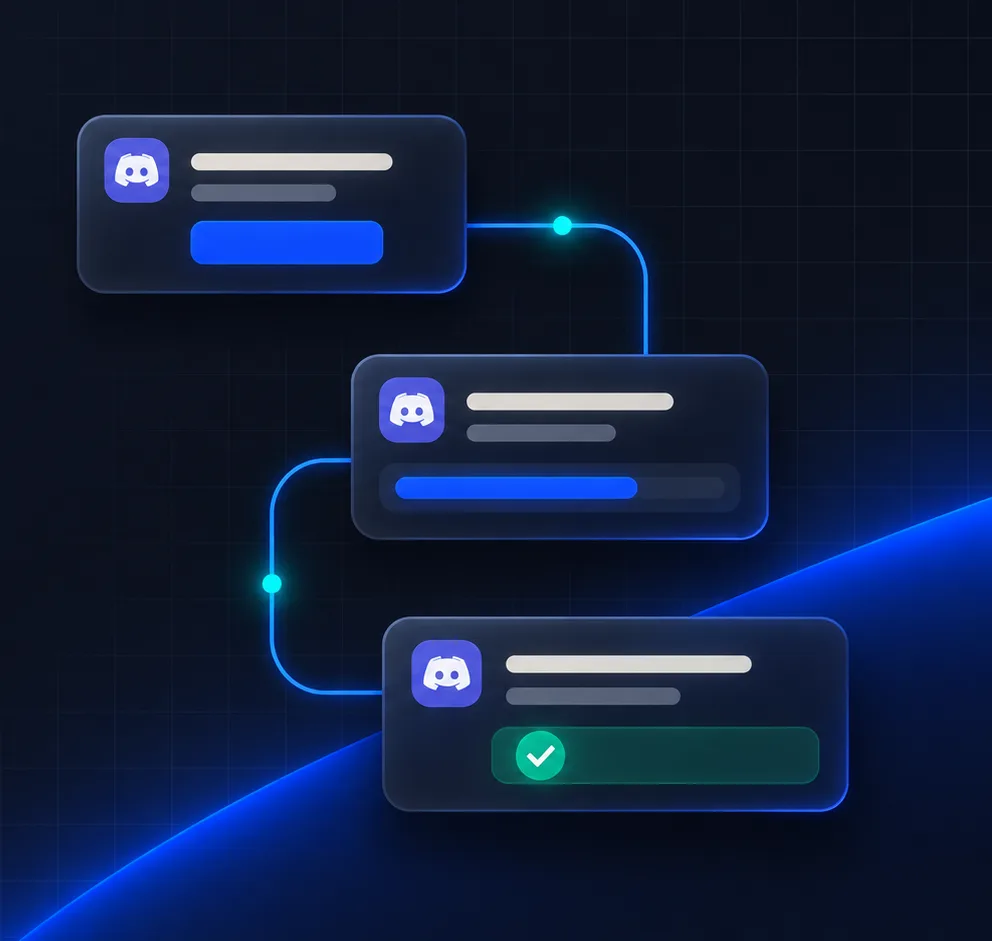
THE FLOW
No jumping between tools or unfamiliar dashboards. Members, customers, players and admins stay in Discord for every step.
Suggestions, bug reports, helpdesk and applications can all start from a panel.
/panel create
Members add a topic and details. SubmitFlow opens a private conversation under the panel channel.
private-thread · opened
Staff take ownership, reply and close. Premium saves an HTML transcript for later review.
closed · transcript ready
BUILT FOR DISCORD
SubmitFlow gives community requests a natural Discord shape: one clear entry, one private Thread and a focused set of actions.
Suggestions, bugs, helpdesk and applications — each with its own entry point.
Every request has a clear owner, and can be handed over when needed.
Closed requests are saved as HTML, with your server's look.
SIMPLE BY DESIGN
Core request routing is free forever. Upgrade a server to Premium when your team needs more.
START HERE
$0
For servers starting with one simple request entry.
Add to DiscordBEST VALUE
FOR GROWING TEAMS
$40.00one-time
Give every community request a clear, repeatable process.
Limited time: Lifetime costs about the same as 2 years.
Premium is activated per server, inside Discord
/premium (needs Manage Server)Every server can start a 7-day free trial from /premium. Prices in USD.
USE CASES, ANSWERED
Suggestions, bug reports, helpdesk, applications, reports and everyday support requests all fit. Create a separate panel for each type when you need to.
SubmitFlow never asks for Administrator. It only needs what request routing requires — managing Threads, sending messages and using Slash Commands. Discord shows the full list when you add it.
Yes, forever. Start with one panel and the basics, then upgrade whenever you like without affecting existing requests.
Premium belongs to a server, so you upgrade inside Discord: run /premium in your server (requires the Manage Server permission), choose 1 year, 2 years or Lifetime, and finish checkout with Stripe. Premium turns on as soon as the payment is confirmed.
Yes. Every server can start a 7-day free trial from /premium. Servers with fewer than 100 members can also join the Small Server Growth Program for free Premium in renewable 14-day periods.
When a Premium request closes, its Thread is exported as HTML to private storage. Admins and staff get a signed viewing link that expires after one hour.
Yes. Join the support server and the team will help you set up panels and permissions.
READY WHEN YOU ARE
Add it to your Discord server for free. Give your team more time for the conversations that matter.